
A “rejected” Azerbaijan eVisa passport scan can mean three unrelated things, and the fix depends on which one you hit. Our application can refuse the file while you are uploading it. The official Azerbaijan eVisa portal can refuse an application later because it cannot read the photo page. And an application can be refused for reasons that have nothing to do with the image at all. Where the refusal happened tells you which one you are dealing with.
What “rejected” can actually mean
These are separate checks, run by different organisations, at different moments. Matching your problem to the right one saves you re-uploading an Azerbaijan eVisa passport scan that was never the issue.
| Where it happened | What refused it | What to change |
|---|---|---|
| While you were still uploading | Our upload check | The file – its format, its size, or what is inside it |
| After you submitted, with the file accepted | The official system reading your photo page | The photograph itself, and how the page was captured |
| After you submitted, unrelated to the image | The official assessment of the application | The details you entered |
Why our upload refuses an Azerbaijan eVisa passport scan
Our form asks for one thing — a passport scan or photo, as JPG, JPEG, PNG or PDF, up to 8 MB. Four things will stop it there:
- A format we do not accept. Some phones save photographs in a format outside that list. If yours does, re-save the page as a JPEG or PNG before uploading.
- A file over 8 MB. A single phone photograph is normally well inside this.
- A file whose contents do not match its name. We check what a file actually is, not what it is called, so renaming something to
.jpgwill not get it through. - A PDF carrying active content. PDFs with embedded scripts or automatic actions are refused. If yours is one, export the page as an image instead.
One thing that is not a fault: we re-encode the images you upload, which removes the location and device data phones attach to photographs. The copy we hold is therefore not byte-for-byte the file you selected. That is deliberate.
You do not need a separate photograph
Our application asks for one image: the photo page of your passport. The official portal’s conditions refer to the scanned page of the travel document with a photo — they do not establish a separate applicant photograph for the eVisa application.
Why the official system may still refuse a page that uploaded fine
Passing our upload check means your Azerbaijan eVisa passport scan is a valid image or PDF of an acceptable size. It does not mean anyone has looked at what is printed on the page: our checks examine the file, not the document inside it.
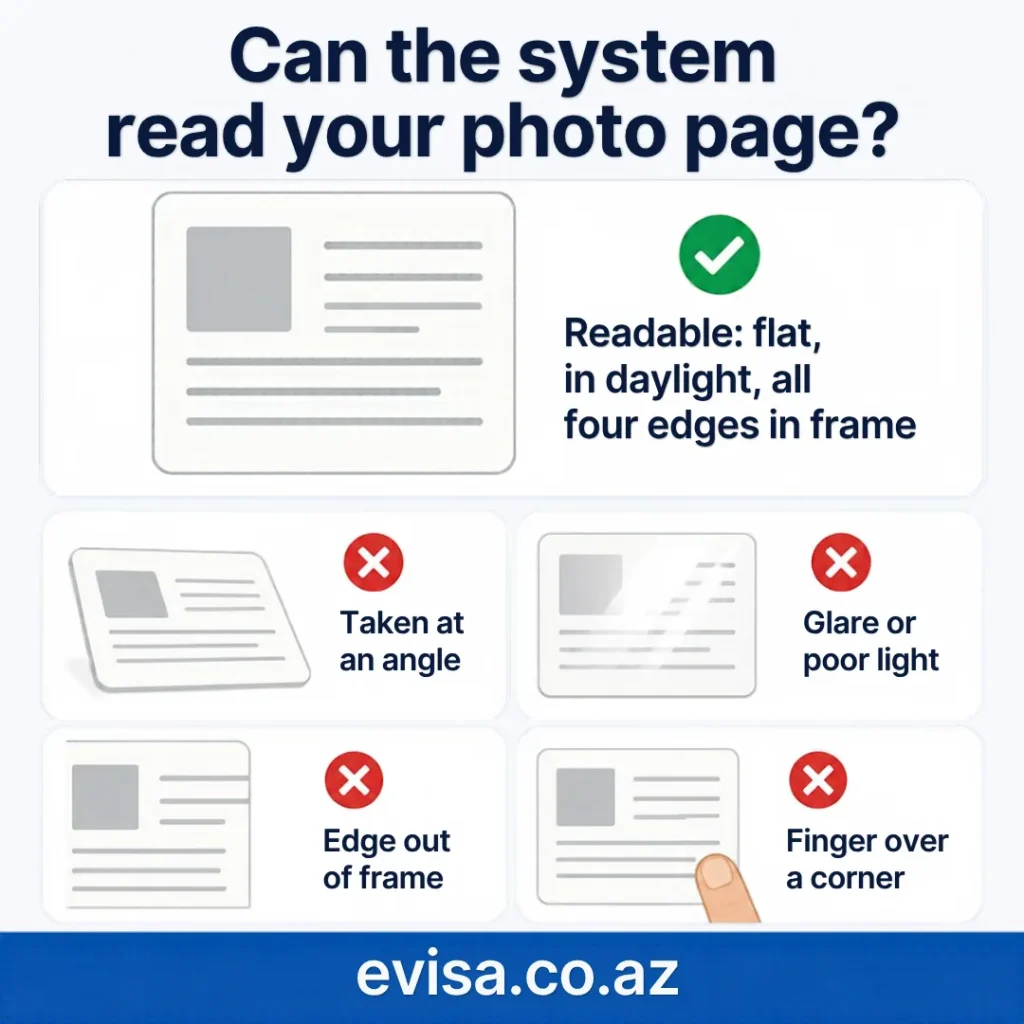
According to the official Azerbaijan eVisa portal, if the attached copy of the photo page of the travel document cannot be read by the ASAN Visa system, issuance of the eVisa is refused.
That gap is where most people get caught. A photograph taken at an angle, in poor light, with an edge out of frame or a finger across a corner is still a perfectly valid image file. It uploads without complaint, and can still be unreadable to the system that has to read it. The practical test is your own eyes: if you cannot comfortably read every line on your own screen, do not assume anyone else can.
When the file was never the problem
The official portal also states that applicants are personally responsible for the accuracy of the data entered in the application and for the correctness of the scanned photo page, and that false or incomplete information — or an incorrect payment — can mean the application is not accepted.
So a flawless Azerbaijan eVisa passport scan does not rescue a mistyped passport number, a name that does not match the document, or a date entered the wrong way round. If the file was accepted and the page is clearly legible, check what you typed before you change the image again.
What to change before you try again
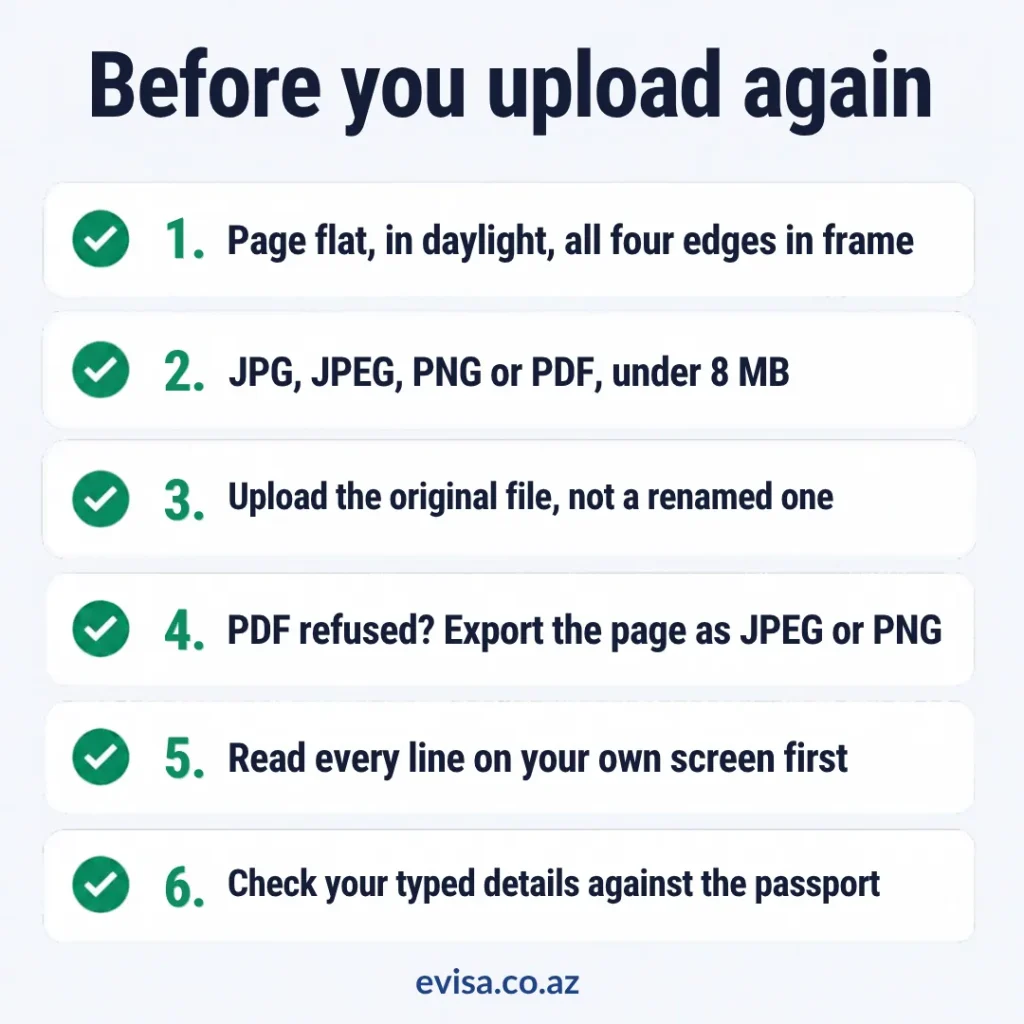
- Photograph the page again lying flat, in daylight, with all four edges inside the frame.
- Check the file is a JPG, JPEG, PNG or PDF, and under 8 MB.
- Upload the original file rather than one you renamed.
- If a PDF will not go through, export the page as a JPEG or PNG.
- Read every line on your own screen before you upload.
- Check the details you typed against the document in front of you.
For what the document itself has to satisfy — validity, blank pages, which travel documents qualify — what you need to apply is the page to read. Azerbaijan’s visa rules themselves are published by the Ministry of Foreign Affairs of the Republic of Azerbaijan.
If you have already submitted
Once an application is with us, the file is no longer the thing to change. What each application status means explains where your application has got to, and what happens if we need something further from you.
Reviewed . The conditions attributed above — responsibility for the accuracy of entered data, the consequence of a photo page that cannot be read, and the effect of false or incomplete information — are taken from the official Azerbaijan eVisa portal at evisa.gov.az. The accepted file formats, the size limit and the upload checks described here are our own.